Developer automation
Automate App Store Screenshots with the Genshot CLI and API
Real Genshot CLI and REST API examples for generating, planning, inspecting, and refining App Store screenshots in developer workflows.
Short answer
Genshot automation can start from local screenshots or a public listing URL. Use the CLI for a developer or coding-agent workflow, or call POST /api/v1/generations with a gsk_ bearer key. Keep paid actions explicit, record the generation ID, inspect outputs, and require human approval before publishing.
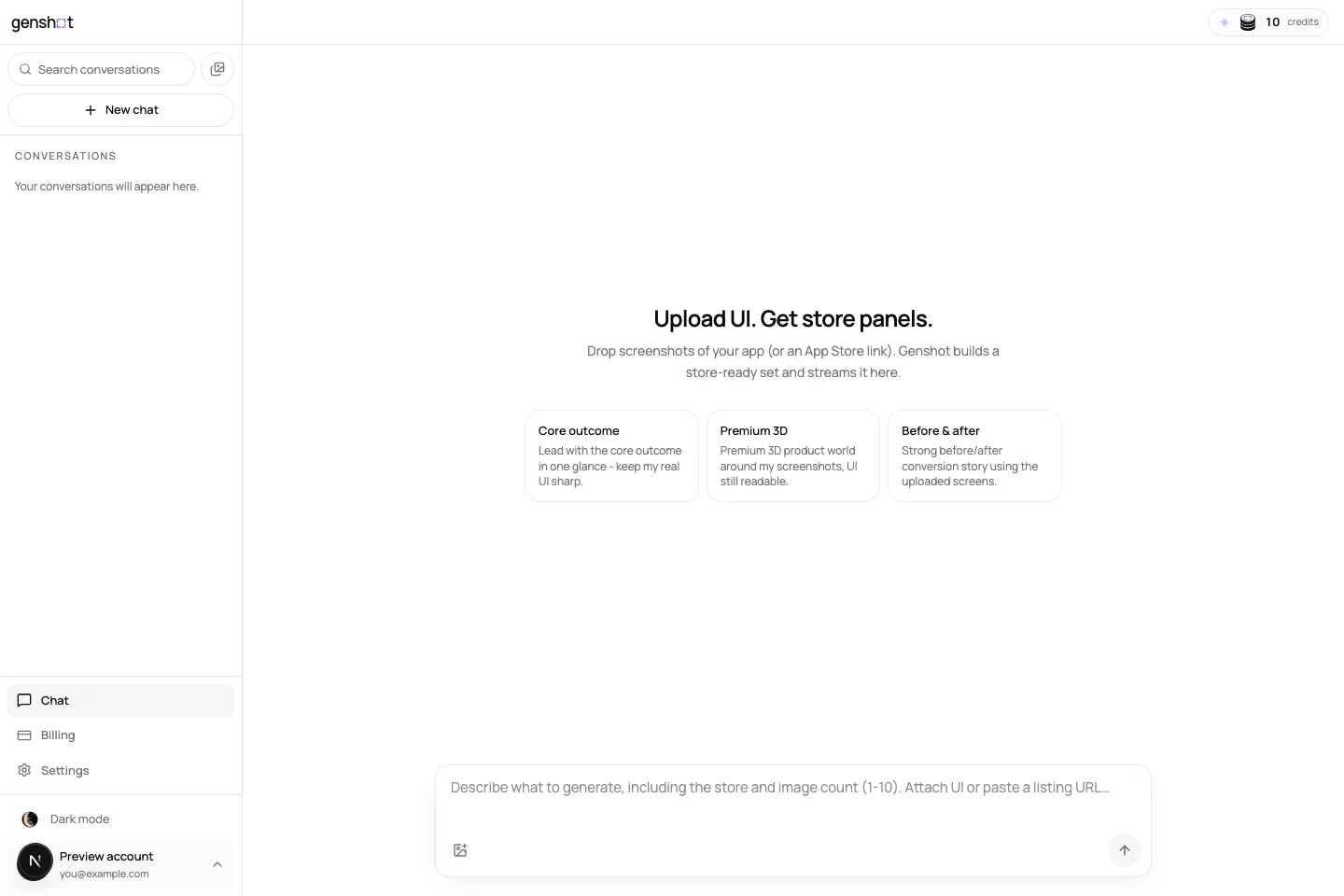
CLI quick start
Install the published client, authenticate once, and generate from local screenshots. The command prints the Generation ID before it waits so a script or agent can retain it.
npm install --global @genshot/cli@latest
genshot login
genshot generate --screenshot ./home.png ./details.png \
  --target-store app_store --count 4 \
--prompt "Clear productivity story; preserve the real UI"Plan before spending credits
The plan workflow researches an optional public product URL, drafts distinct campaign angles, and returns an editable Creative Brief without using credits. Approval freezes the brief and starts paid generation, so treat approval as an explicit release gate.
genshot plan create --source-url https://apps.apple.com/app/id123 \
  --screenshot ./home.png ./details.png \
  --target-store app_store --count 4 \
  --prompt "For solo consultants who need a calm daily overview"
genshot plan show brief_123 --json
genshot plan edit brief_123 --file ./brief-content.json
genshot plan approve brief_123
Inspect and refine without losing traceability
Use the history commands to recover a Generation ID and inspect attempts, random seeds, models, and provider request identifiers. Refinement creates a replacement while retaining the immutable original.
genshot generations list
genshot generations inspect gen_123 --json
genshot refine gimg_123 --region 0.1,0.15,0.8,0.25 \
  --prompt "Shorten the headline" \
--preserve "product UI" "brand colors" --acceptREST API example
Direct API requests use a gsk_ bearer key. This example starts from a public source URL. For local files, first use the documented upload-presign flow and send the resulting source image identifiers.
curl -X POST https://api.genshot.dev/api/v1/generations \
  -H "Authorization: Bearer gsk_live_your_key" \
  -H "Content-Type: application/json" \
  -d '{
    "version": 2,
    "targetStore": "app_store",
    "targetImageType": "store_screenshot",
    "sourceUrl": "https://apps.apple.com/us/app/example/id123456789",
    "prompt": "Bold headlines, real UI, premium 3D product world",
    "imageCount": 4
  }'
A safe CI or agent workflow
- Step 1
Capture or collect source UI
Use deterministic UI tests when possible. Remove private and unstable account information.
- Step 2
Create a plan
Let the agent draft, but require a person to approve claims and credit-spending actions.
- Step 3
Generate and persist identifiers
Store the generation manifest with the release candidate.
- Step 4
Validate files
Check the App Store screenshot requirements, source UI fidelity, captions, and sequence.
- Step 5
Review before store publishing
Use the explicit App Store Connect review and publish workflow; Genshot does not remove the need for product, privacy, and policy review.
How this differs from Fastlane snapshot and frameit
These workflows can complement each other. Fastlane can capture stable source UI; Genshot can use those files as creative inputs. Keep the boundary explicit so a generation tool is never mistaken for a UI-test system.
| Tool | Owns | Does not own by itself |
|---|---|---|
| Fastlane snapshot | Repeatable simulator screenshot capture. | Marketing composition and campaign direction. |
| Fastlane frameit | Deterministic framing and text from configuration. | Generative art direction or product research. |
| Genshot | Generated composition plus explicit App Store review and publishing. | Deterministic simulator capture or unreviewed release approval. |
Sources and verification
Product capabilities and changing requirements were checked against these primary pages. External pages can change after the verified date above.
Related App Store screenshot resources
Open the Genshot API reference
Use the current request contract and machine-readable OpenAPI document.
Open the Genshot API reference